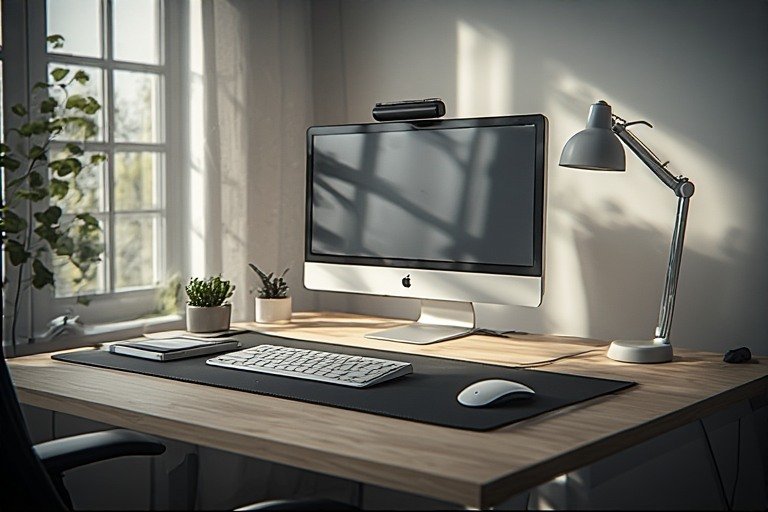
Most people are still working from the same temporary setup they threw together in 2020. If you are spending 40+ hours a week at your desk, that is no longer acceptable. Your workspace directly shapes your focus, your energy, your posture, and the quality of your output. This guide covers everything you need to build a work from home desk setup that actually performs — from ergonomics and gear to lighting, small space solutions, and the right upgrade order so you spend money where it matters most.
Looking for style inspiration alongside function? Browse our full desk setup ideas hub to see what others are building.
Why Your Work From Home Desk Setup Matters More Than Ever
Remote and hybrid work is no longer a trend — it is the new baseline. Over 58% of knowledge workers now operate in hybrid or fully remote arrangements, and that number continues to climb. The kitchen table and the dining chair got many of us through 2020, but five years of data has made one thing clear: a poor setup compounds into real problems. Back pain, neck strain, eye fatigue, and unfocused days are not inevitable side effects of working from home — they are symptoms of a workspace that was never properly designed for the hours you are putting in.
The good news is that building a solid work from home desk setup does not require a corporate budget. It requires knowing what actually matters, in what order, and why. That is exactly what this guide delivers.
Step 1 — Choose the Right Location
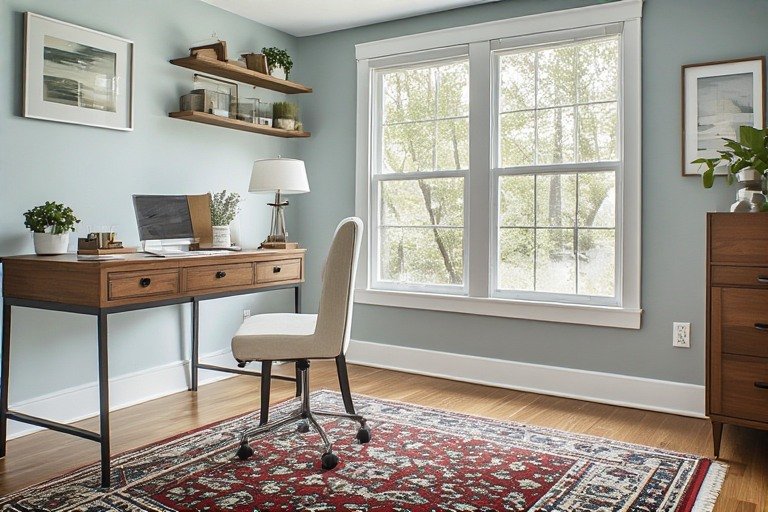
Before you buy a single piece of furniture, get the location right. The best home office location is quiet, has minimal foot traffic, and has some degree of visual separation from the rest of your living space. A spare bedroom is ideal. A defined corner of a bedroom, a quiet living room wall, or even a wide hallway can all work in smaller homes.
What you want to avoid: working near high-traffic areas, sitting with your back to an open room (creates subconscious distraction), and setting up where you cannot control the background for video calls. Choose the quietest corner you can find with a controllable background — a bookcase, a wall, or a simple cabinet behind you signals professionalism on calls without requiring any staging.
One principle that makes a significant difference: face your desk toward a window or toward the room rather than staring at a blank wall. Natural light from the side (not directly behind or in front of your monitor) reduces eye strain, boosts mood, and makes video calls look dramatically more professional.
Step 2 — The Desk: Your Most Important Surface Decision
Your desk is the foundation everything else builds on. Get this right and every other decision becomes easier.
Sit-Stand Desks — Now the Standard, Not the Luxury
In 2026, height-adjustable desks have moved from premium upgrade to standard recommendation for anyone working full-time from home. The ability to alternate between sitting and standing throughout the day reduces stiffness, keeps energy levels steadier, and protects your back over the long run. The ideal rhythm is roughly 40 minutes seated, 20–30 minutes standing, with a short movement break in between.
When choosing a sit-stand desk, look for smooth motor operation, memory presets for your preferred heights, and enough surface area for your actual workflow — not just what you think you need today. For most single-monitor setups, 48–55 inches of width is comfortable. Dual monitors or an ultrawide need at least 60 inches.
Fixed Desks — What to Look For
If a sit-stand desk is not in the budget right now, a solid fixed desk at the right height is absolutely workable. Standard desk height is 29–30 inches, but the correct height for you depends on your body — your elbows should sit at roughly 90 degrees when your hands are on the keyboard. If your desk is too high, raise your chair and use a footrest. If it is too low, add furniture risers or blocks under the legs.
For budget-friendly options that punch above their price, our IKEA desk setup ideas guide covers the best modular combinations — including the popular KARLBY + ALEX build that gives you a premium-feeling surface and built-in storage for under $300.
Size and Shape
L-shaped and corner desks are consistently underrated for work from home setups. The inside corner creates a natural secondary surface — ideal for a second monitor, a notebook, or a dedicated video call area — without requiring a larger footprint than a straight desk. If you are working with a small room, an L-shaped setup against two walls is often the most efficient use of space available.
For genuinely small spaces, see our small desk setup ideas guide for compact-specific solutions that do not sacrifice functionality.
Step 3 — Ergonomics: The Foundation of a Productive Work From Home Setup
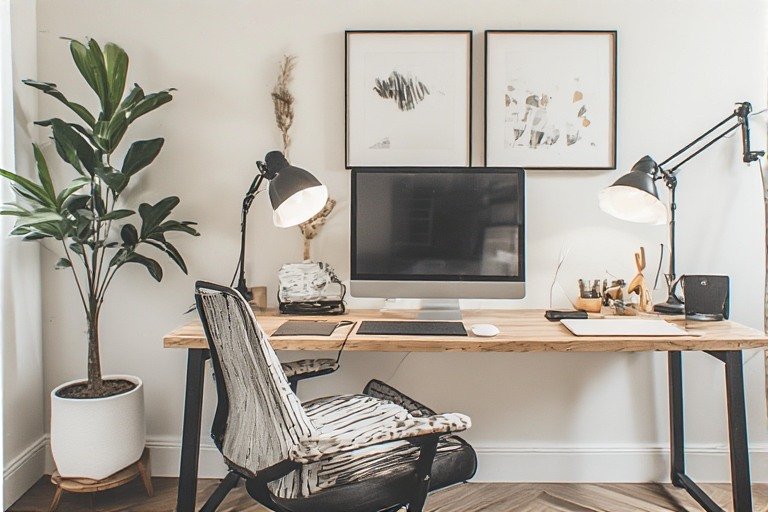
Ergonomics is not about fancy equipment — it is about positioning. Getting your body into a neutral, supported posture is the single most impactful thing you can do for both your comfort and your long-term health. Most issues are caused not by bad gear but by bad positioning with otherwise decent gear.
Chair Setup
Your chair is the most important purchase in any work from home desk setup. Not the desk, not the monitor — the chair. You spend more time in it than you use any other piece of equipment, and a bad chair silently damages your posture and energy every single day.
What to look for in an ergonomic chair: adjustable seat height so your feet rest flat on the floor with thighs roughly parallel to the ground, lumbar support that follows the natural curve of your lower spine, adjustable armrests that allow your shoulders to stay relaxed, and a seat depth that leaves two to three finger-widths of space between the back of your knees and the seat edge.
Monitor Positioning
Place the top of your monitor at or slightly below eye level, approximately an arm’s length away, directly in front of you to avoid neck twisting. If you use a laptop as your primary screen, elevate it with a stand and add an external keyboard and mouse — using a laptop flat on the desk forces you to hunch forward, which is exactly the posture that causes the neck and shoulder problems that plague WFH workers.
A monitor arm is one of the highest-value upgrades in any work from home desk setup. It frees up significant desk surface, allows perfect ergonomic positioning, and creates the clean, elevated look that makes setups photograph so well. If you are building a clean desk setup, a monitor arm is non-negotiable.
Keyboard and Mouse Positioning
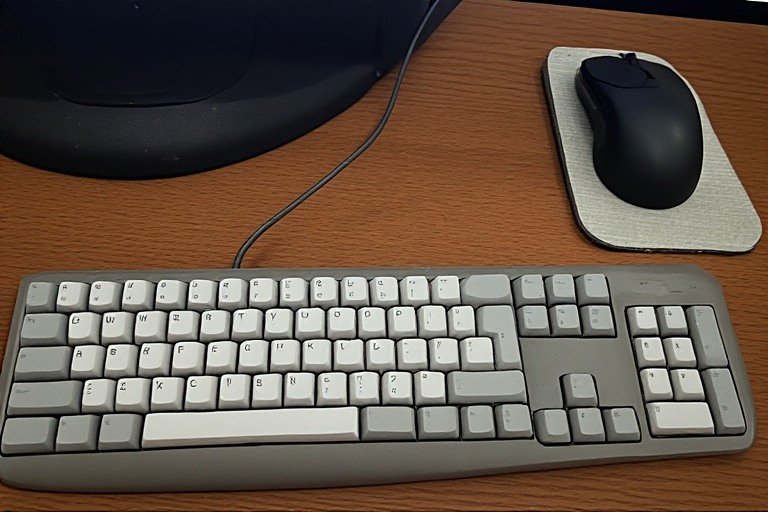
Your keyboard should sit at or just below resting elbow height, close enough to your body that your shoulders stay relaxed and your elbows do not flare out. Your mouse should be on the same surface as your keyboard, within easy reach, so you are not extending your arm across the desk constantly. If you are experiencing wrist discomfort, a wrist rest and a vertical or low-profile mouse can resolve the issue without any other changes.
The Movement Principle
Even a perfectly ergonomic setup cannot compensate for sitting still for hours at a time. Build movement into your day — stand for calls, take short walks between tasks, and get up at least once per hour. Studies consistently show that alternating positions throughout the day reduces musculoskeletal discomfort far more effectively than any single piece of ergonomic gear.
Step 4 — The Essential Work From Home Tech Setup
Monitor
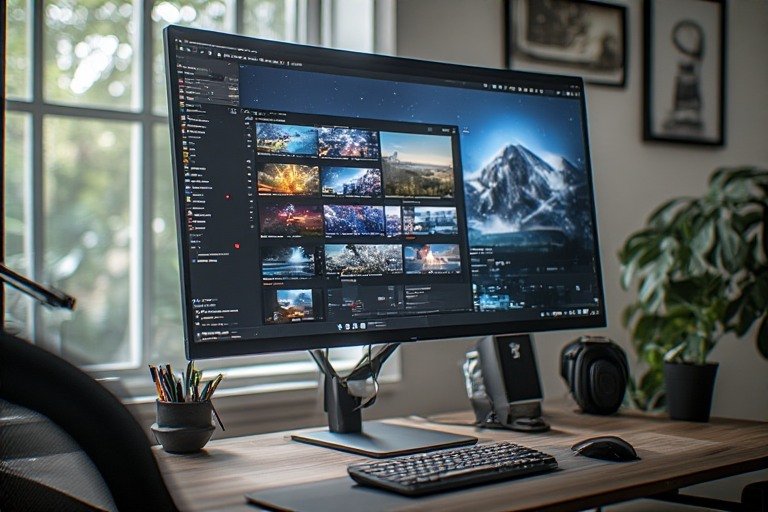
If you are still working on a 13-inch laptop screen all day, this is the upgrade that will have the most immediate impact on your productivity. A 27-inch 4K display or a 34-inch ultrawide monitor allows you to run multiple windows side by side without constantly switching tabs — a genuine workflow improvement, not just a luxury. For most WFH professionals, a single large monitor outperforms a dual-monitor setup in terms of desk space, cable management, and visual clarity.
Webcam and Microphone
In a world of daily video calls, your camera and microphone are your professional face. The built-in laptop webcam and microphone are functional at best and embarrassing at worst. A dedicated external webcam mounted at eye level ensures you are not looking down at colleagues during meetings, and an external microphone or quality headset eliminates the tinny, echoey audio that undermines your presence on calls.
Position your webcam at the center top of your monitor at eye level. If you use a separate microphone, mount it on a boom arm 6–12 inches from your mouth — this keeps the desk surface clear and delivers significantly better audio than a desk-sitting microphone.
Internet Connection
A reliable, fast internet connection is non-negotiable for remote work. For most WFH setups, a Wi-Fi 6 capable router handles the bandwidth demands of video calls, cloud work, and multiple connected devices simultaneously. If your video calls regularly drop or stutter, a wired ethernet connection from your router to your desk is the single most reliable fix — far more effective than any router upgrade.
Headphones or Headset

Noise-canceling headphones serve double duty: they block household distractions when you need to focus, and they deliver clear audio on calls without the feedback and echo issues of open-air speakers. For a laptop desk setup, wireless headphones are especially valuable because they eliminate one more cable from an already cable-constrained surface.
Step 5 — Lighting Your Work From Home Desk Setup
Lighting is the most underestimated element of any work from home desk setup. Poor lighting causes eye strain, headaches, and fatigue. It also makes video calls look unprofessional regardless of your camera quality. Get the lighting right and everything else on your desk looks and feels better.
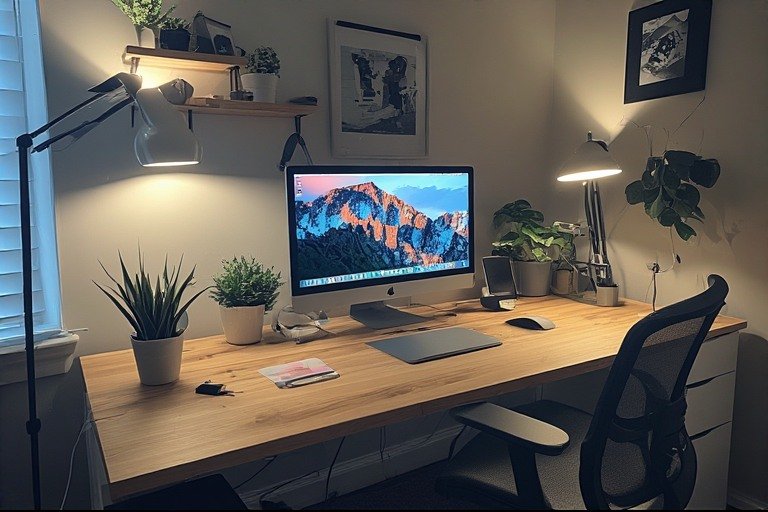
Natural light from a window beside your monitor — not behind it or directly in front of it — is the gold standard. Behind you creates glare on your screen. In front of you silhouettes your face on calls. To the side gives you clean, flattering, shadow-free illumination.
For task lighting, a monitor screen bar that sits on top of your display and throws light downward is one of the cleanest solutions available — no desk footprint, no glare on the screen, and excellent even illumination of your work surface. A warm white desk lamp (2700K–3000K) adds atmosphere and fills in shadows on video calls without looking clinical.
Bias lighting — LED strips mounted behind your monitor — reduces eye strain by raising the ambient light level behind the screen and creates a focused, professional atmosphere. Choose warm white or a single neutral tone. Cycling rainbow RGB looks great in gaming setups but reads as unprofessional in a work context.
Step 6 — Cable Management and Organization
Nothing undermines a professional work from home desk setup faster than visible cable chaos. This is also the cheapest fix with the most dramatic before/after impact available to you.
The essentials: velcro cable ties to bundle cords together ($8), adhesive cable clips to route cables to the back and underside of the desk ($6), and an under-desk cable management tray to hold your power strip and cable runs off the floor. These three items cost under $25 total and take about 20 minutes to install. The result looks like a completely different desk.
For desk organization, the goal is keeping your primary work surface — the area directly in front of your monitor — completely clear except for your keyboard and mouse. Everything else: pens, notebooks, chargers, earbuds, and daily items go into a single desk organizer positioned to one side, within reach but out of the primary sightline. See our minimalist desk setup guide for more on keeping your surface intentionally clear.
Work From Home Desk Setup Ideas by Room Type
Dedicated Home Office
If you have a full room, you have the luxury of optimizing for work without compromise. Use it. Invest in a quality sit-stand desk, a proper ergonomic chair, and dedicated storage that keeps work materials completely separate from the rest of your home. A dedicated space allows you to leave the day’s work physically in the room at the end of the day — one of the most effective boundaries for work-life separation when your home and office are the same place.
Bedroom Corner Setup
The biggest challenge with a bedroom desk is psychological separation — your brain needs a clear signal that this corner means work. The most effective tool for this is lighting. Keep your desk lamp as the only bright light source in the work area during work hours. When the lamp is on, it is work time. When it is off and the room lights are soft, work is done. This simple ritual trains your brain to switch modes without requiring any physical changes to the room.
For palette, echo one or two colors from your bedding or wall into your desk accessories so the setup feels like part of the room rather than an intrusion. For aesthetic inspiration, our aesthetic desk setup ideas guide covers how to make any workspace feel considered and intentional.
Apartment and Small Space Setup
In a small apartment, the desk is often the most space-contested piece of furniture in the home. Multi-purpose solutions work best: a lift-top coffee table that rises to desk height during the day and drops back in the evening, a compact L-shaped desk positioned into a corner to maximize the floor plan, or a floating wall-mounted desk that takes up zero floor space when paired with a wall-mounted monitor arm.
Vertical storage is your best friend in small spaces — a floating shelf above the desk handles books, plants, and accessories without competing for desk surface. A pegboard mounted on the wall keeps frequently used items off the desk entirely. More on this in our small desk setup ideas guide.
Work From Home Desk Setup: Budget Breakdown
Starter Setup — Under $300
- Desk — IKEA LAGKAPTEN + ALEX drawers (~$200): wide surface, built-in storage, clean look
- Chair — any chair you own adjusted correctly with a rolled towel for lumbar support
- Monitor — laptop elevated on a stand with external keyboard and mouse (~$50)
- Lighting — a single warm desk lamp (~$30)
- Cable management — velcro ties and adhesive clips (~$15)
Mid-Range Setup — $500–$1,000
- Desk — quality fixed desk or entry-level sit-stand frame (~$300–$400)
- Chair — ergonomic chair with lumbar support and adjustable armrests (~$200–$300)
- Monitor — 27-inch external monitor on a monitor arm (~$200–$300)
- Webcam — external 1080p or 4K webcam (~$80–$120)
- Audio — quality headset or USB microphone (~$50–$100)
Elevated Setup — $1,500+
- Desk — premium sit-stand desk with memory presets (~$500–$800)
- Chair — high-end ergonomic chair (~$400–$800)
- Monitor — 32–34 inch ultrawide 4K on a dual monitor arm (~$400–$600)
- Audio/Video — 4K webcam, dedicated condenser microphone on boom arm (~$200–$400)
- Lighting — monitor screen bar + bias lighting + key light for calls (~$100–$200)
The Work From Home Desk Setup Checklist
Ergonomics
- Feet flat on the floor or on a footrest — thighs roughly parallel to the ground
- Monitor top at or slightly below eye level, arm’s length away
- Keyboard at or just below resting elbow height, shoulders relaxed
- Chair provides lumbar support following the natural curve of the lower spine
- No neck twisting — monitor directly in front, not off to one side
Desk and Gear
- Desk surface large enough for your actual workflow
- External monitor (or laptop elevated with stand + external peripherals)
- Dedicated webcam positioned at eye level
- External audio — headset or microphone for clear call quality
- Reliable internet — wired ethernet if video calls drop regularly
Environment
- Natural light from the side — not behind or in front of the monitor
- Dedicated task lamp — warm white, not overhead-only lighting
- All cables managed — routed, tied, and out of sightlines
- Primary desk surface kept clear of non-essentials
- At least one living element — a plant — to soften the space
Final Thoughts
A great work from home desk setup is not about having the most expensive gear — it is about making deliberate choices that support your body, your focus, and your output over the long run. Start with location and posture, invest in a chair before anything else, and build outward from there as your budget allows. Every upgrade should solve a real problem you experience during your actual workday.
For more inspiration and specific setup ideas, explore our full guide collection: Minimalist Desk Setup Ideas | Gaming Desk Setup Ideas | Clean Desk Setup Ideas | Aesthetic Desk Setup Ideas | Laptop Desk Setup Ideas | Small Desk Setup Ideas | All Desk Setup Ideas