A cluttered desk creates a cluttered mind.
Minimalist desk setups solve that problem by removing distractions and focusing on the essentials. The result? A workspace that looks clean, feels calm, and actually helps you get more done. Whether you’re working from home, gaming, or studying, a minimalist desk setup can transform your daily flow.
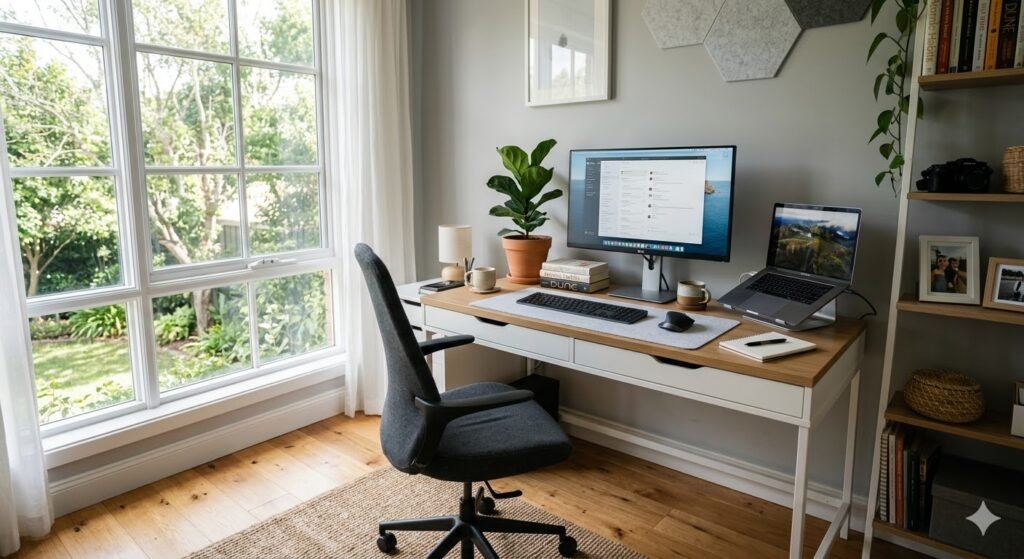
Why Minimalist Desk Setups Are So Popular
Minimalism isn’t just a design trend; it’s a cognitive strategy. Research shows that physical clutter competes for your attention, leading to increased stress and decreased focus.
A minimalist desk setup helps you:
- Reduce Visual Noise: Fewer items mean fewer distractions.
- Improve Ergonomics: By focusing on essentials, you place items where they are most comfortable.
- Save Time: You spend less time looking for pens or cables and more time working.
- Elevate Aesthetics: High-quality gear looks better when it isn’t buried under paper.
Top 21 Minimalist Desk Setup Ideas
1. The All-White “Cloud” Setup
An all-white setup instantly makes a room feel larger and more modern. This is perfect for rooms with limited natural light.
- Key elements: White motorized standing desk, white mechanical keyboard, and a light grey felt desk mat.
- Pro Tip: Use a white monitor skin or a white monitor arm to complete the look.
2. The Single Monitor Powerhouse
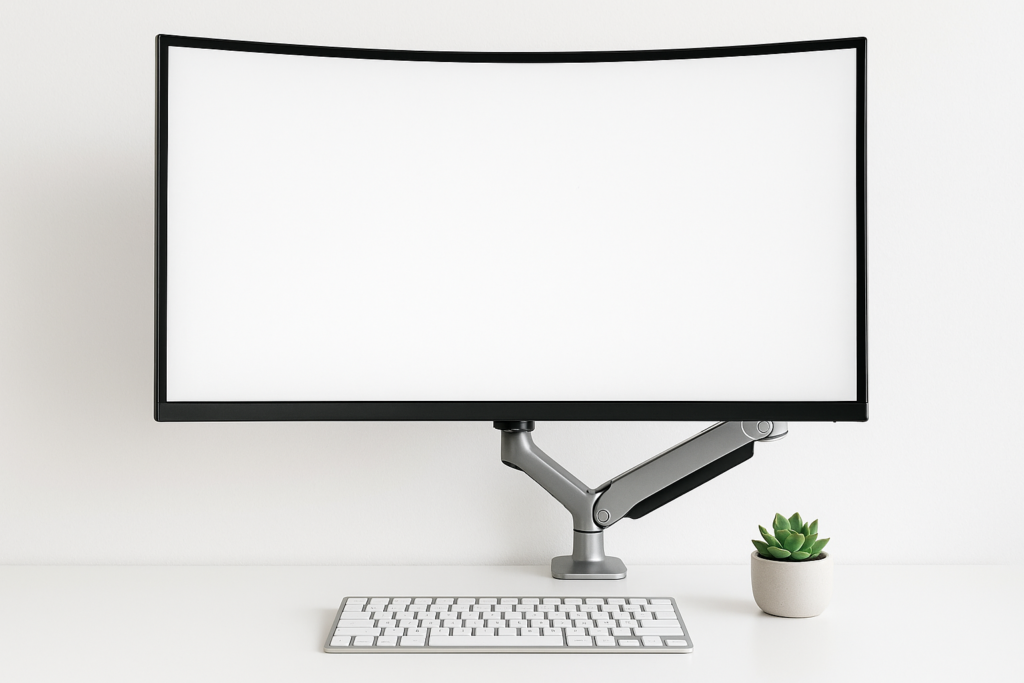
More screens don’t always mean more productivity. A single 27-inch or 32-inch monitor provides a focused field of vision.
- Minimalist layout: One central monitor on a premium arm to reclaim desk real estate.
3. The Scandi-Natural Wood Look
Minimalism doesn’t have to be cold. Combining light oak or walnut with “earthy” tones creates a “Japandi” (Japanese/Scandinavian) vibe.
- Popular elements: Walnut desk shelf (Grovemade style), beige wool desk mat, and a warm desk lamp.
4. The Floating Desk (Small Space Hero)
Floating desks are wall-mounted, meaning no legs to clutter the floor.
- Best for: Studio apartments or bedroom corners.
5. The “Laptop-Only” Nomad
Sometimes the most minimalist desk is just a laptop. This setup is for those who value mobility above all else.
- Essentials: A high-quality laptop stand to keep the screen at eye level and a dedicated notebook.
6. The “Zero-Cable” Challenge
Cable clutter destroys minimalist aesthetics.
- How to achieve it: Use an under-desk cable management tray, wireless peripherals, and a “snake” wrap for the one or two wires that must remain.
7. Symmetrical Dual Monitors
If you need two screens, symmetry is your friend. Use two identical monitors and a dual-arm mount to keep the “horizon” of your desk level.
8. The Minimalist Mac Studio
Apple hardware is built for minimalism.
- Key pieces: An iMac or MacBook Pro paired with a Space Grey Twelve South stand and a Magic Trackpad.
9. The “Dark Mode” (All-Black) Setup
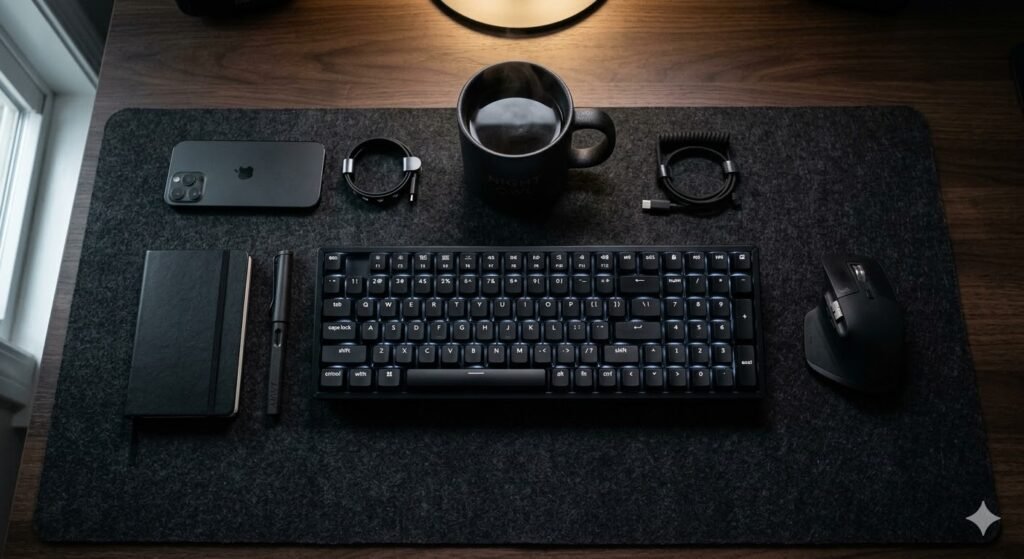
A matte black setup is sleek and professional.
- Design Tip: Mix textures—black wood, black leather, and black metal—to keep the setup from looking like a “black hole.”
10. The Ultra-Clean Wireless Hub
Invest in a 3-in-1 wireless charging station for your phone, watch, and earbuds to eliminate three separate charging cables from your desk surface.
11. The Biophilic (Plant-Focused) Desk
Adding greenery improves air quality and focus.
- Best plants: Snake plants (low maintenance) or a hanging Pothos to add vertical interest without taking up desk space.
12. Vertical Laptop Stand Integration
When using an external monitor, keep your laptop closed and vertical. This saves nearly 50% of your usable desk surface.
13. The Monitor Arm Upgrade
If you do only one thing, buy a monitor arm. It clears the bulky plastic stand off your desk, allowing you to store your keyboard underneath when not in use.
14. Minimalist Gaming “Battlestation”
Gamers can be minimalists too. Switch your RGB to a single solid color (like warm white or deep blue) and use a wireless gaming mouse (like the Logitech G Pro).
15. The “Hidden” Closet Office (Cloffice)
By applying minimalist principles, you can fit a full, productive office inside a standard reach-in closet.
16. The Neutral Monochromatic Palette
Stick to three colors: Grey, White, and Black. This “no-fail” color palette ensures that any new accessory you buy will match the room.
17. The Minimalist Standing Desk
A standing desk encourages movement. Keep the top empty so that the motor isn’t strained and the look remains “airy” as it rises.
18. The “One-Drawer” Rule
Use a single “junk drawer” (like the IKEA Alex drawers) to hide everything that isn’t a keyboard, mouse, or monitor. If it doesn’t fit in the drawer, you don’t need it.
19. The IKEA “Karlby” Aesthetic
The gold standard of DIY minimalism: An IKEA Karlby countertop resting on two Alex drawer units. It’s wide, clean, and affordable.
20. The Content Creator’s Minimalist Setup
Focus on “low profile” gear. Use a low-profile mic arm (like the Elgato Wave) that hides under your monitor rather than swinging over the top.
21. The “Zen” Meditative Desk
This style focuses on tactile sensations. A felt desk mat, a ceramic mug, and a single piece of art on the wall. No plastic allowed.

How to Build Your Minimalist Setup (The Essentials)
To get started, prioritize these “Big Four” items:
- The Surface: A deep desk (at least 30 inches) allows you to push the monitor back and create “white space.”
- Cable Management: Spend $20 on a tray; it’s the best investment you’ll make.
- High-Quality Lighting: A monitor light bar (like BenQ) saves space by eliminating the need for a bulky desk lamp.
- Peripheral Quality: One great wireless keyboard is better than three cheap ones.
For a complete breakdown of workspace styles and layouts, see the full desk setup ideas guide.
Final Thoughts
A minimalist desk setup isn’t about owning nothing; it’s about making sure everything you own has a purpose. By curating your environment, you aren’t just cleaning your room—you’re optimizing your brain for deep work.